
How to Find a Lost Phone and Keep Your Personal Data Safe
When a phone goes missing, the first few actions can protect your accounts even if the device never comes back. Here is the safe order for iPhone and Android.
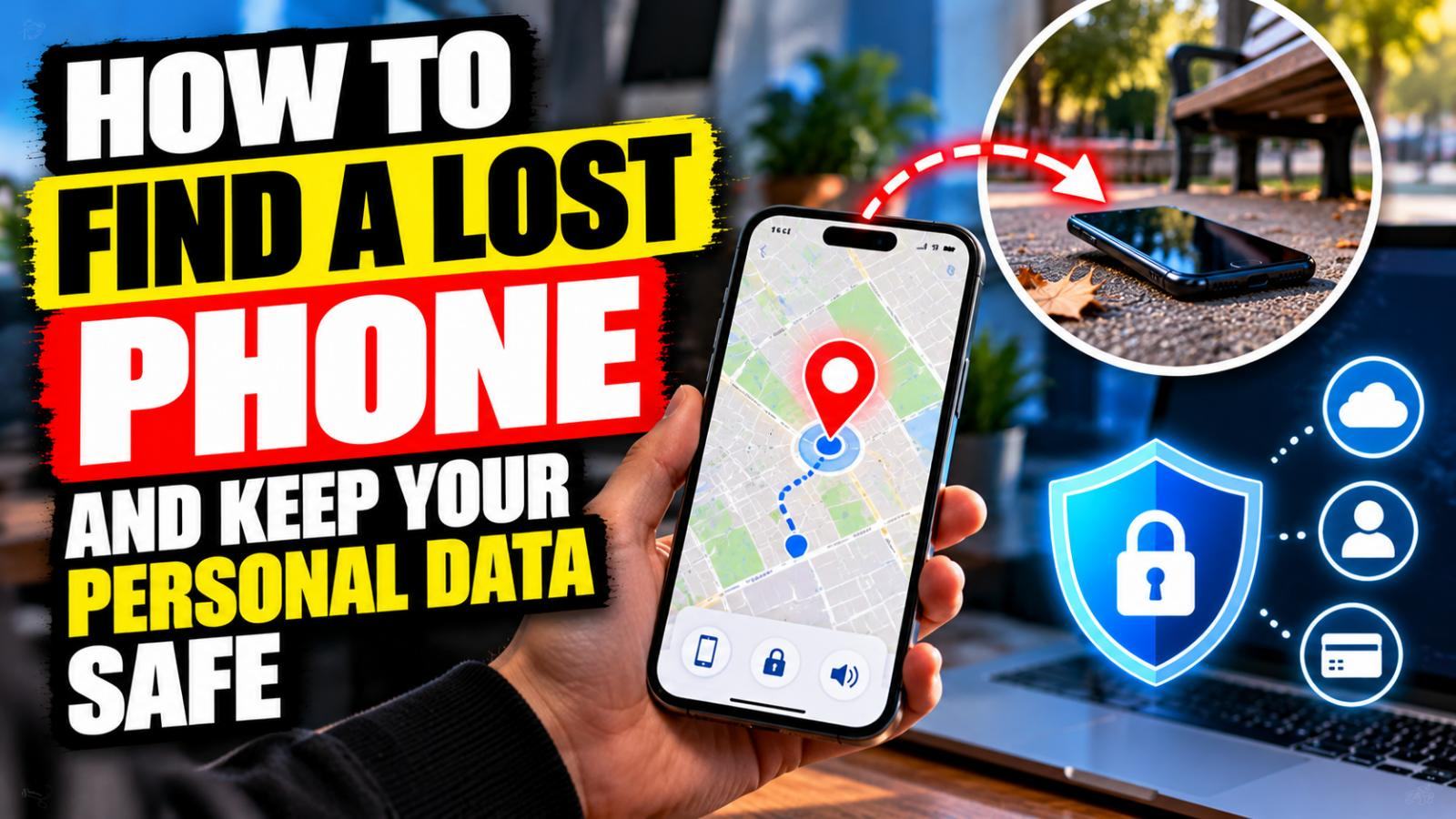
A missing phone feels like a hunt for a piece of hardware. The immediate risk, though, may be the information it carries: messages that can reset accounts, saved payment methods and access to work or family conversations.
If the device might simply be under a sofa, start with a call or a sound alert. If it could have been stolen, move quickly to securing it. Do not travel alone to an unfamiliar address because a map shows a dot there; location estimates are not proof of who has the phone.
Locate an iPhone using Find My
From another trusted device, open Find My, or visit iCloud.com/find in a browser. Select the missing iPhone. If the service can locate it, you may see a current or last known position, depending on the device and settings. Play a sound if it seems nearby.
For an iPhone you cannot promptly recover, select Mark as Lost. Apple's guidance says this locks the device and helps protect its information. If the phone was stolen, consider carefully before putting personal contact details in the lock-screen message: Apple warns that a thief could exploit them for social engineering. Do not remove the device from Find My, because that can remove Activation Lock.
Find My has to have been set up beforehand. If it was never enabled, the location and remote actions may not be available; that is a reason to protect your accounts, not a reason to trust a site promising to track any phone from its number.
Locate an Android phone using Find Hub
Visit Google's Find Hub in a browser or use the Find Hub app on another Android device. Sign in with the Google Account on the missing handset, select the device and check the available options to ring it, mark it as lost, secure it or erase it. Features depend on power, connectivity and device configuration.
Google notes that an erase action deletes information and can end further location access for the reset device. Treat it as a serious last resort after considering your backups and the possibility of recovery. Removing an SD card remotely may not be possible.
If theft is likely, secure accounts and your number
Contact your mobile network to suspend the SIM or eSIM and ask what happens to incoming texts and calls. Use a trusted device to review banking and email access, change passwords when appropriate and revoke suspicious sessions. If you used a passkey, authenticator or saved recovery codes on the phone, check the recovery options for those services before they are urgently needed.
Report suspected theft to the police. Save the device's serial number or IMEI from your original receipt, packaging or account records if available. An insurer may require a police reference or other paperwork; read the policy rather than assuming theft and accidental loss are covered in the same way.
Prioritise safety and a paper trail. If theft is suspected, note the last location and time shown by the device-finding service without trying to recover it yourself. Contact the police if appropriate, and ask your mobile network about preventing misuse of the SIM or eSIM. Keep a record of the device's serial number or IMEI from existing purchase documents or your account, where available, rather than relying on access to the missing phone.
The erase decision
Remote erasure reduces the risk of local data exposure but can also remove your chance of recovering something not backed up. If the phone contains sensitive information and is unlikely to return, the balance may favour erasure. If it is believed to be safely at home, keep looking before taking that step.
Never enter account credentials into a text message saying that your phone has been found. Open the manufacturer's site yourself. Apple expressly says it will not contact you to announce a found iPhone and ask for your passcode.
Prepare your next phone now
On a recovered or replacement device, turn on Find My or Find Hub, set a strong screen lock, check backups and preserve a separate way to access your main account. A spare device or securely stored recovery information is far more useful than a tracking app bought after a loss.
Sources: Apple's stolen-iPhone advice, Apple's Find My setup guidance and Google's Find Hub help.
Sources

Musa Ersoy
Musa Ersoy is an editor and writer at DEFUXA Global News, covering developments in the United Kingdom and around the world. He researches news stories using official statements, credible sources and independently verifiable information. His editorial work focuses on factual ac…
Author profile and articles